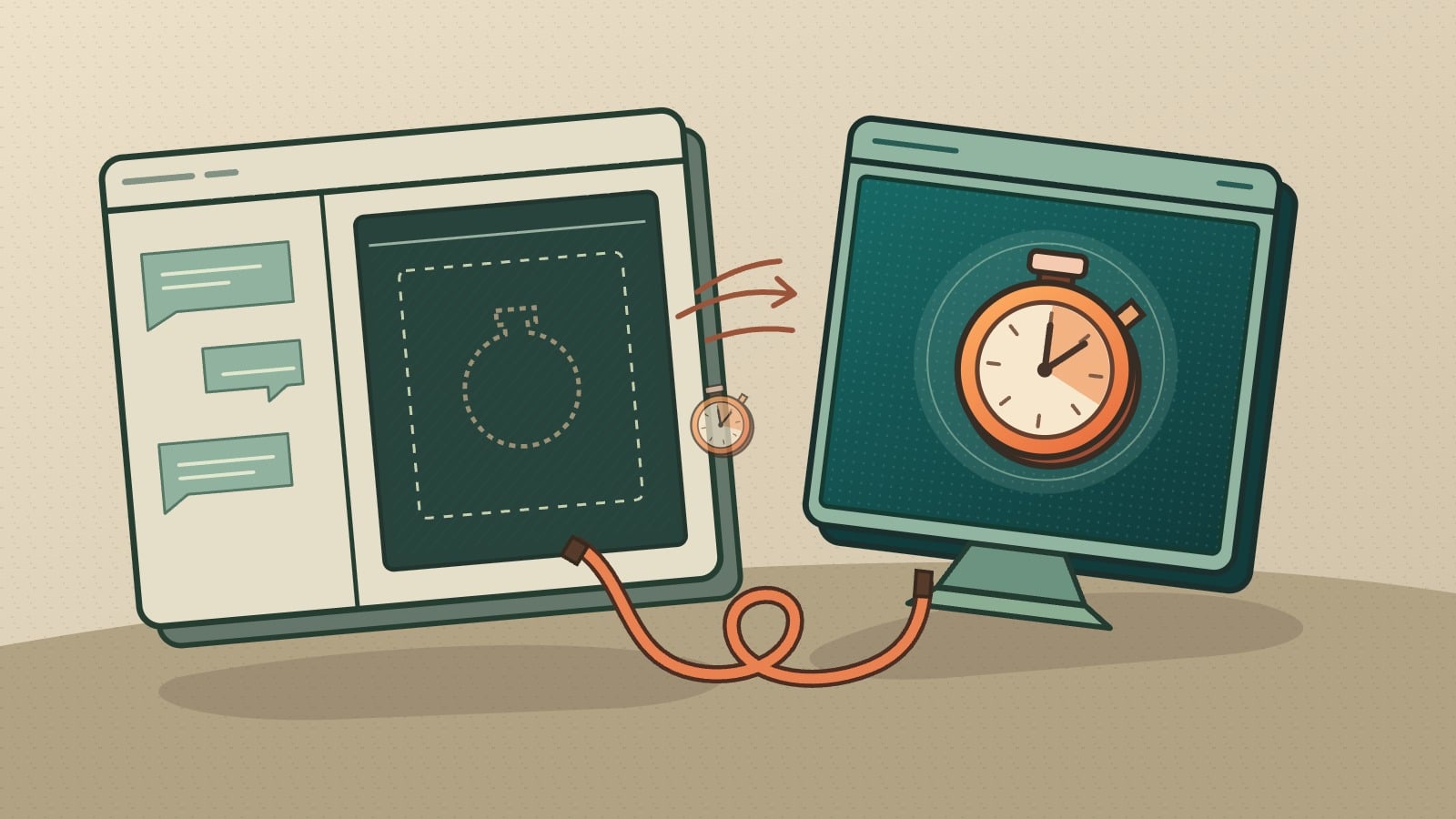
Anthropic began rolling out a beta feature on November 24 that lets Claude users turn AI-generated artifacts into installable desktop applications for Mac and Windows.
The “Install as app” capability moves artifacts — interactive tools, dashboards, and small programs created inside Claude chats — out of the browser and onto the operating system with their own icons, dedicated windows, and system-level permissions. Anthropic said the feature is available across Free, Pro, Max, Ultra, Team, and Enterprise plans in the Claude desktop client version 6.28899.0 or later.
How the installation works
Users describe the tool they want in a Claude conversation, then select “Install as app” from the artifact’s title menu, right-click menu, or Share menu. On macOS the app lands in a Claude Apps folder inside the user’s Applications directory; on Windows it appears in the Start menu and as a desktop shortcut.
No code signing, packaging, or separate API key is required — the app runs under the user’s existing Claude account and its requests count toward the plan’s usage limits.
Installed apps can use the same connectors the original artifact used, such as calendar or email services, and they update automatically when the underlying artifact is edited. Anthropic engineer Felix Rieseberg said the apps can call operating system APIs, enabling native behaviors like menu bar items, transparent windows, and notifications without requiring the user to write code.
Three permission tiers control system access
By default, an installed artifact can do only what it could do in a browser tab. Users can grant “App permissions” for notifications, global keyboard shortcuts, always-on-top windows, and a macOS menu bar item or Windows system tray icon. A third tier, “Full computer access,” allows the app to run programs and read, change, or delete files without asking for each action.
Anthropic restricts full computer access to apps the user created themselves or, on Team and Enterprise plans, apps made by colleagues within the same organization. The company does not review apps before installation and warns users to grant that level only when they trust everyone who wrote the app. Each approval covers a single app version; any update — including the user’s own edit — triggers a new permission prompt.
Team plans enable feature by default with restrictions
Team plans have the feature enabled by default with full computer access turned off; administrators can toggle it on. Enterprise organizations must have an owner enable the feature before anyone can use it. Anthropic blocks HIPAA-ready organizations and hybrid deployment configurations from the beta entirely, showing that regulated health workflows should stay on approved surfaces until a compliant variant ships.
Not every artifact qualifies. Template-based formats — Claude Docs, Slides, and Sheets — are excluded, as are legacy chat artifacts created before September 16, 2026, and Cowork live artifacts created before August 19, 2026. The feature is unavailable on Linux, the web client, and mobile apps.
You can now install Claude artifacts as desktop apps on Mac and Windows. Ask Claude to build an artifact, click "Install as app", and open it like any other app. It can use your connectors and, if you allow it, send notifications or add a menu bar item. pic.twitter.com/8CBgqe5OKq
Anthropic employees build desktop apps despite offline limitation
Anthropic employees have built a layered image editor called Linnet, a file manager named Phosphor, a folder organizer called Sift, a terminal assistant called Tern, and a system monitor called Vitals that displays performance data in the menu bar. Rieseberg said he has used the feature to build terminals, file managers, video editors, communication tools, and desktop pets.
A significant limitation remains: “You need to be online and signed in to Claude to open an app.” That means the installed applications cannot function without an internet connection and an active Claude session, unlike traditional desktop software designed to work offline.
App requests consume plan usage limits
“requests the app makes to Claude count toward your plan's usage limits,” Anthropic warns.
The company told the Decoder that a free account is sufficient to try the beta, but HIPAA-ready organizations and hybrid deployment configurations are blocked from participating entirely.
Market context
Back in mid-January, the debut of Claude Cowork triggered a sharp sell-off — shares of established SaaS firms dropped as much as 30 percent in a matter of days, a rout labeled the “SaaSpocalypse.”
I've been using it to build my own versions of terminals, file managers, video editors, comms tools, and even little desktop pets. These apps can do native things, like adding menu bar items, creating transparent windows, or sending notifications. Update to the latest version…
The following month, additional Anthropic announcements pressured cybersecurity stocks and dealt IBM its steepest single-day decline in over a quarter-century. Apple has since tightened rules on AI-generated apps in its App Store, whereas Xiaomi now lets owners of its new 18 Pro create mini apps simply by describing them.
Anthropic, the San Francisco public-benefit corporation that listed in November 2026 at a roughly $1.5 trillion valuation, is now the world’s most valuable AI pure play. Its flagship product, the Claude model family, is delivered through a chatbot, an API, and proprietary agent harnesses including Claude Code, Cowork, Design, and Science, a full-stack approach that lets the company ship operating-system-level features without relying on external platforms.
That vertical integration underpins the “Install as app” beta that began rolling out on November 24.
Anthropic’s approach bypasses app stores entirely. Self-made AI apps land directly on the computer, though the company’s permission model and version-scoped consent aim to limit silent privilege expansion.