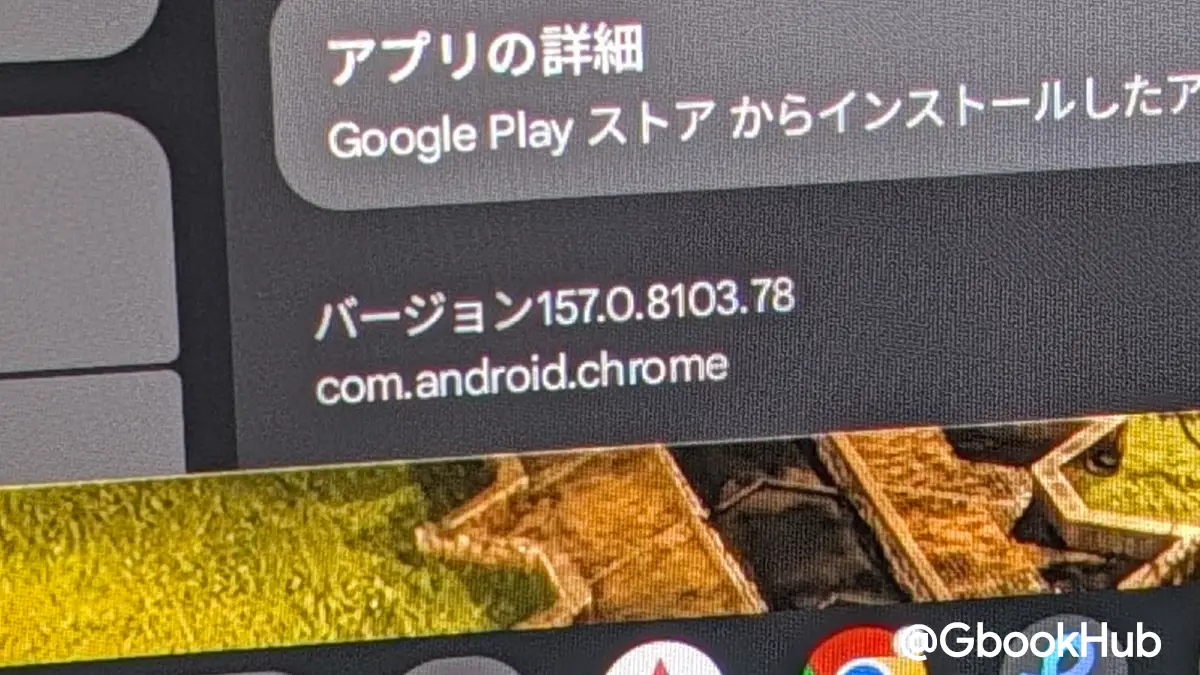
Google released Chrome 157 for Googlebook OS with desktop-focused features and 24 under-the-hood fixes for Android-powered laptops.
Vertical Tabs Expand When Hovering over Minimized Icons
The update tackles daily multitasking pain points on the platform by overhauling vertical tabs. Hovering a mouse or trackpad over a minimized icon rail temporarily expands it as an overlay so people can read tab titles, switch between pages, or manage groups before the panel retracts. Google employee Mishaal Rahman said on Reddit that the feature is turned on by default.
Google community engagement manager and former Android Authority editor Mishaal Rahman detailed the rollout of the M157 update for Googlebooks on Reddit. He said the browser brings major improvements to Google’s new laptops.
For those who prefer not to use the auto-expanding bar, Google provides options to adjust the thickness of the tab bar. Users can go to Settings, Appearance, and Tab position to turn on the toggle for auto-expanding tabs on hover.
“Auto expand tabs on hover” can be disabled in settings or right from the vertical tab rail according to 9to5Google reporting. Users who prefer to lock the tab bar in place can manually resize the width to accommodate longer page titles. Chrome remembers the custom dimension across browser restarts and new windows.

Screen Sharing Controls Remain Visible During Video Calls
Video calls receive a practical upgrade with a persistent control bar at the top of the browser window during screen sharing sessions. Presenters using Google Meet can stop broadcasting or switch to another tab with one click instead of digging through menus. The feature includes a button to stop sharing the tab immediately when switching away from the video call.
Saving media triggers a dialog box allowing people to select the target directory. “file picker is now enabled by default for explicit menu save actions (such as” Google said, replacing the system “Save As” file picker for menu save actions such as saving links, images, or entire webpages.
This lets operators rename files and choose destinations including Google Drive or external storage. Media previously saved automatically to the Downloads folder unless a specific Chrome flag was enabled.
Direct URLs Allow Bookmarking of Browser Settings Subpages
Chrome 157 continues making browser settings feel at home on a laptop by giving individual configuration screens direct URLs. Subpages such as appearance or privacy can be bookmarked or shared directly. Chrome’s back and forward buttons function properly when using the menu. Switching system appearance between light and dark modes keeps users on their current settings subpage instead of resetting to the main menu.
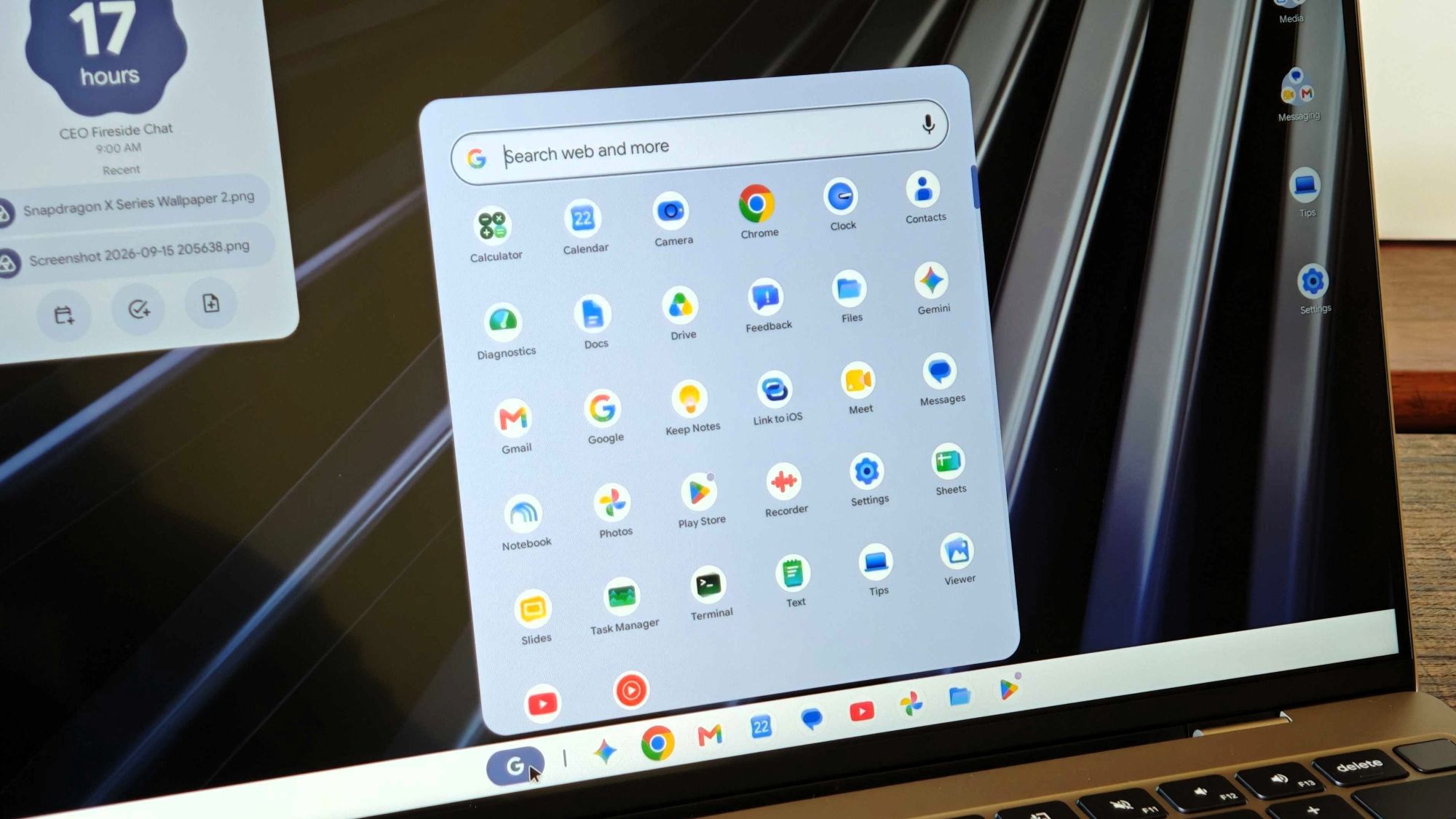
The update addresses a web app installation bug that prevented some sites from launching when pinned to the taskbar. Stability improvements were applied across browser extensions, keyboard shortcuts, and managed browser policies.