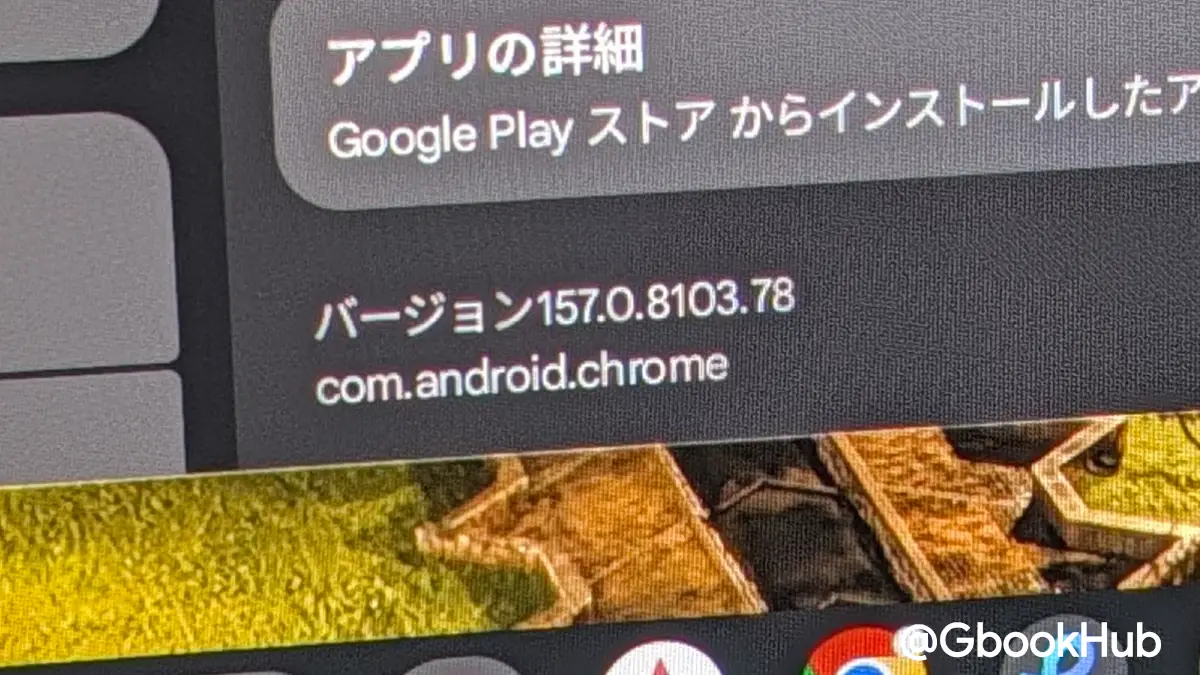
Google has rolled out Chrome 157 for Googlebook, a major update featuring 5 new features and 24 fixes focused on improving the desktop experience for users of the Android-based laptop platform.
This update, which reached Googlebook devices starting November 12, 2026, aims to refine the browser’s usability by addressing specific interface quirks that have persisted since the platform’s launch.
The release addresses the functionality of vertical tabs, a key component for users managing multiple windows. Mishaal Rahman, community engagement manager at Google and former Android Authority editor, highlighted these as significant quality-of-life improvements. Users can manage this behavior by navigating to Settings, selecting Appearance, and adjusting the Tab position toggle.
For those who prefer manual control, the update allows users to resize the vertical tab bar by dragging it to a preferred width to accommodate longer page titles. Google has aligned the scrollbar spacing between pinned and unpinned vertical tabs to prevent visual jumping when scrolling through extensive tab lists.
While previous versions often required enabling specific browser flags for such prompts, standard downloads will continue to default to the Downloads folder. Google is reportedly still exploring options to allow users to select custom destinations for all individual downloads.

Video conferencing also receives a productivity boost. During screen-sharing sessions in tools like Google Meet, a persistent control bar now appears at the top of the browser window. This allows users to stop sharing or switch between shared tabs without using complex menus.
Google has overhauled how users interact with the browser’s settings menu. Individual subpages, such as those for privacy or appearance, now support direct web addresses. Users can bookmark these specific URLs or link to them directly. The standard browser Back and Forward buttons now function correctly within these settings subpages, preventing the menu from resetting unexpectedly when system appearance modes, like light or dark mode, are toggled.
The update also includes several technical refinements:
- PDF Handling: Clicking a downloaded PDF in the download manager now opens it directly in a new browser tab instead of triggering an external system viewer.
- Picture-in-Picture: Opening a video window no longer causes the media controls popup in the toolbar to close prematurely.
- Web Apps: The update resolves issues where installing a web app from a site would fail or leave an empty window behind.
- Address Bar: Improvements include more reliable text selection and complete URL visibility.
These changes address broader challenges in delivering a consistent and reliable experience on an Android-based operating system that functions as a conventional laptop.
Reports indicate that Google is testing further enhancements, including proper startup settings to manage session restoration, an option to prompt for save locations on every download, and EyeDropper support for design tools such as Figma and Canva. These features can currently be tested by users who install Chrome Beta from the Play Store.

The update follows a period of staggered releases. Google has reiterated that it is working on additional features mentioned in previous release notes, such as support for multiple Chrome profiles, tab group syncing, and a fix for discovering local Google Cast devices. Currently, the update does not include comparative benchmarks demonstrating faster browsing or reduced memory consumption, focusing instead on usability and stability.
Earlier coverage: Google Releases Chrome 157 for Googlebook OS With Desktop-Focused Features