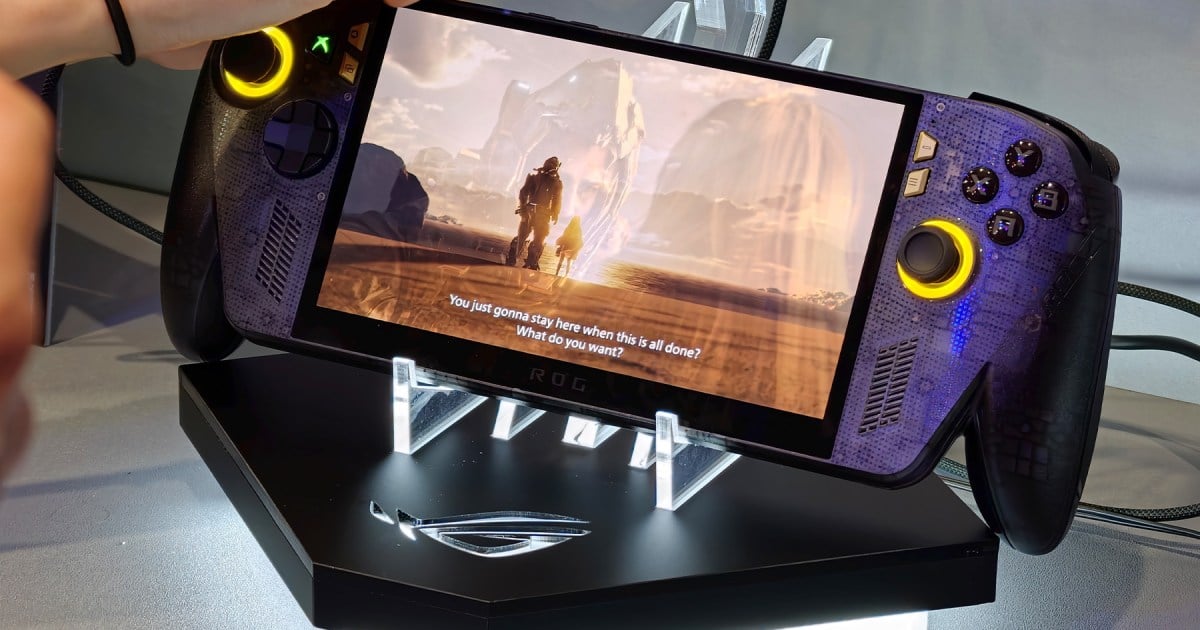
Microsoft’s AI-powered Automatic Super Resolution technology has officially left preview, bringing system-level upscaling to the ROG Xbox Ally X, the ROG Xbox Ally X20, and select Windows Copilot Plus PCs.
When Microsoft first introduced Auto Super Resolution through an Insider preview in April, the feature came with a strict limitation requiring devices to remain connected to a docking station. Engineers figured that upscaling visuals would prove easiest to notice on larger screens, but that restriction ignored the fundamental purpose of a portable gaming system.
The updated software removes that docking requirement entirely. The upscaler now runs directly on the built-in screen whether the hardware draws power from a wall outlet or operates on battery power.
Players can switch between different modes directly through the Xbox Game Bar. They adjust their experience depending on whether they prefer smoother gameplay or better image quality.

The official rollout also introduces native 1080p input support. Previous preview builds required users to manually drop their resolution before the feature would engage, a step many players missed.
The technology relies on a neural processing unit rather than the graphics processor to handle upscaling tasks. This frees up the primary graphics hardware for other workloads. This implementation makes the upscaler an alternative to AMD’s FidelityFX Super Resolution for games lacking native integration.
To enable the feature, users must install the latest Windows 11 updates, update Game Bar, and download the Auto Super Resolution Package from the Microsoft Store. The technology supports compatible DirectX 10 and newer games. It does not support DirectX 9, Vulkan, or OpenGL.
because that’s where Auto SR makes the biggest difference: 1440p-like detail alongside smooth framerates on larger screens where every frame matters.
Microsoft, via PC Gamer
When connected to an external monitor or television, the system can upscale 1080p content to 1440p resolution. Microsoft cautions that performance at 1080p on the internal handheld display may not be as optimal as other configurations, though visual improvements should remain visible in older titles.
Microsoft product manager Stefan Bojanic warned that when games run at 1080p in handheld mode, performance may not be as optimal as other configurations. He said that Auto SR should still present visual improvements, especially in older games.
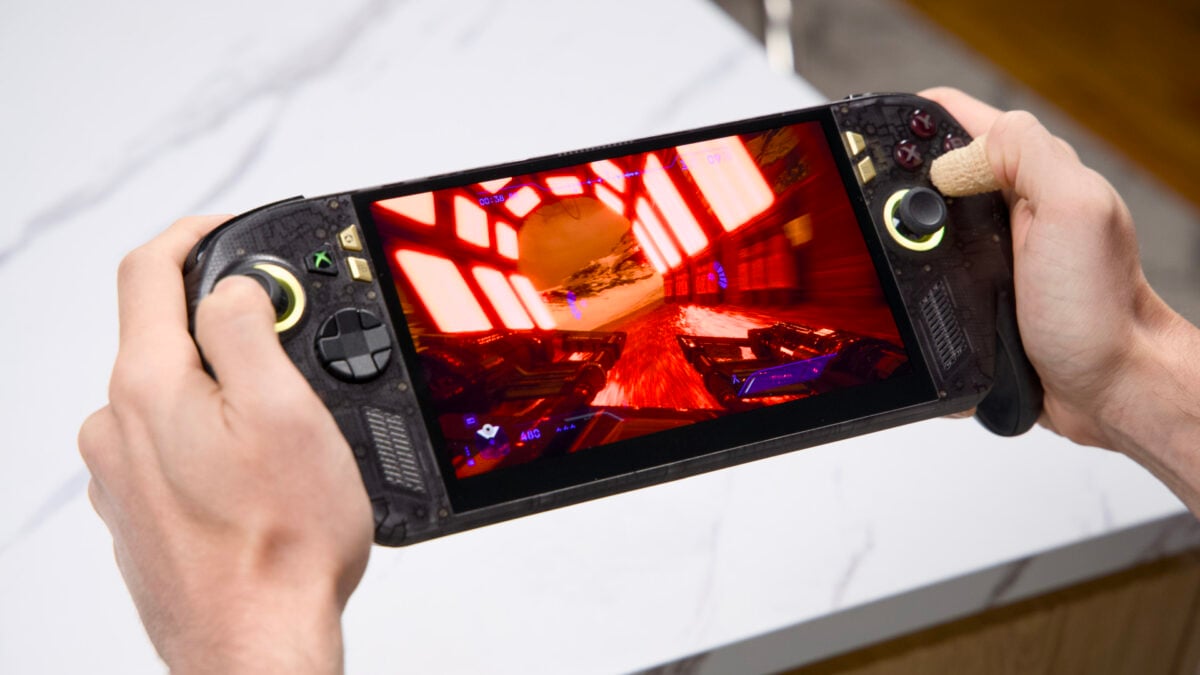
While earlier preview versions capped frame rates at roughly 60 to 75 frames per second, a new Performance Mode lifts that threshold to 120 frames per second.
Handheld operation, 1080p input handling, and expanded compatibility with AMD-powered Copilot+ PCs are live. The Performance Mode and Auto HDR compatibility features are rolling out gradually through upcoming Windows system updates.