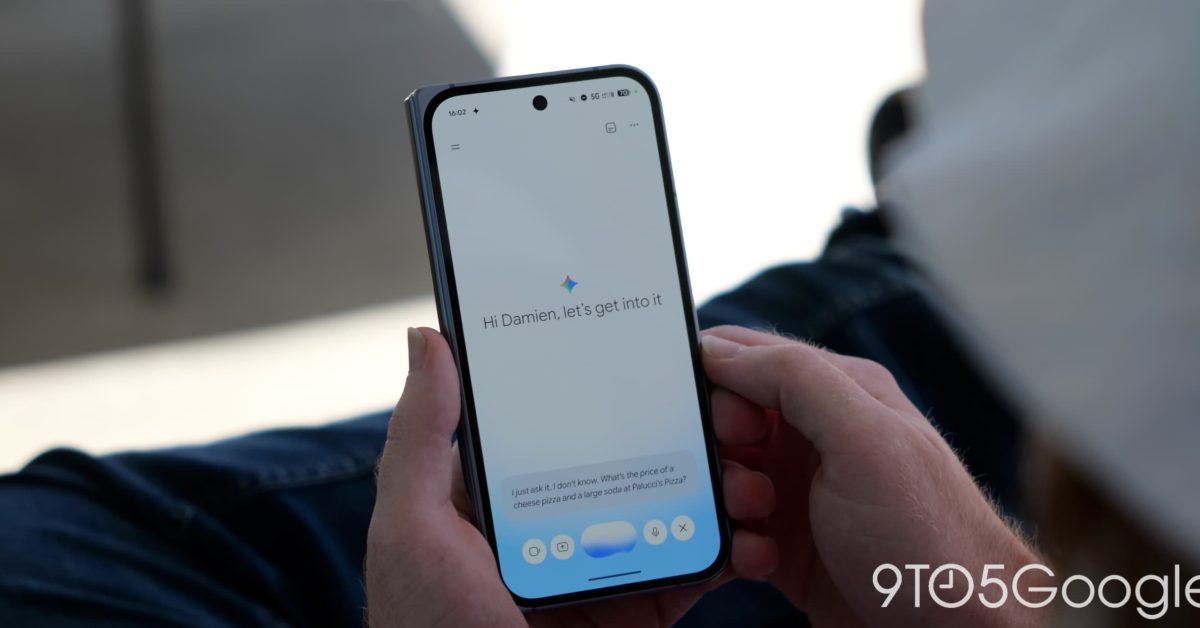
Google is overhauling its Gemini application on Android and iOS, integrating the Spark background agent into the main interface under the new name Task while automatically converting personal account Gems into Skills starting November 17, 2026.
Google loves building several tools for one job and giving them names that blur together. That persistent habit is shaking up navigation across personal accounts on November 17, 2026, when the platform rolls out a comprehensive interface reorganization that renames or relocates multiple core features.
Gemini Spark Moves to the Main App Screen as Task
The update moves Gemini Spark out of the app's side menu and places it directly on the mobile home screen behind a new button labeled Task. An in-app text box greets users with the change, explaining A new home for Spark: Start new tasks anytime and keep track of them in your chats.
In the navigation drawer, the outgoing Spark option yields to a new Scheduled page that gathers current, past, and ongoing agent operations.
Google is also phasing out the Spark brand throughout the settings menu, officially renaming Gemini Spark Settings to Task settings. The refreshed interface introduces separate Chat and Task buttons directly above the prompt box. Meanwhile, the conversation list at the bottom of the screen drops the Recents label. All regular chats and Spark tasks now combine into one unified history equipped with a filter icon allowing users to sort interactions by All, Ready, Needs attention, and In progress.

Spark Executes Background Tasks with Specific Subscriptions
Operating as an always-on background agent on Google Cloud virtual machines, Spark can execute multistep assignments across the web and connected apps even after users lock their phones or close their laptops. The system can run up to 15 tasks simultaneously, though it requires a Google AI Pro or Ultra subscription alongside an active Keep Activity setting.
Scheduled Actions and the Migration From Gems to Skills
Alongside the agent update, Scheduled Actions continue to provide routine briefings—such as a morning digest of emails, calendar items, and weather forecasts—without requiring a paid subscription. Users can run up to 10 active Scheduled Actions that prepare responses during the hour before delivery, though location-based prompts remain tied to the city registered during initial setup.
For custom bots, personal Google accounts will begin an automatic conversion from standalone Gems to Skills on November 17, 2026, with work and school accounts following in 2027. Skills integrate custom instructions directly into the main conversation interface rather than a walled-off sidebar window. Users invoke them by typing a forward slash in the prompt field, and multiple Skills can operate simultaneously within a single conversation.
Certain advanced integrations—including Canvas, Deep Research, Guided Learning, video and music generation, Google Drive attachments, and file sharing—do not yet function inside Skills. Users relying on those features must prepare their workflows before the November transition.